Connect your Meta (Facebook) account
Updated July 2026
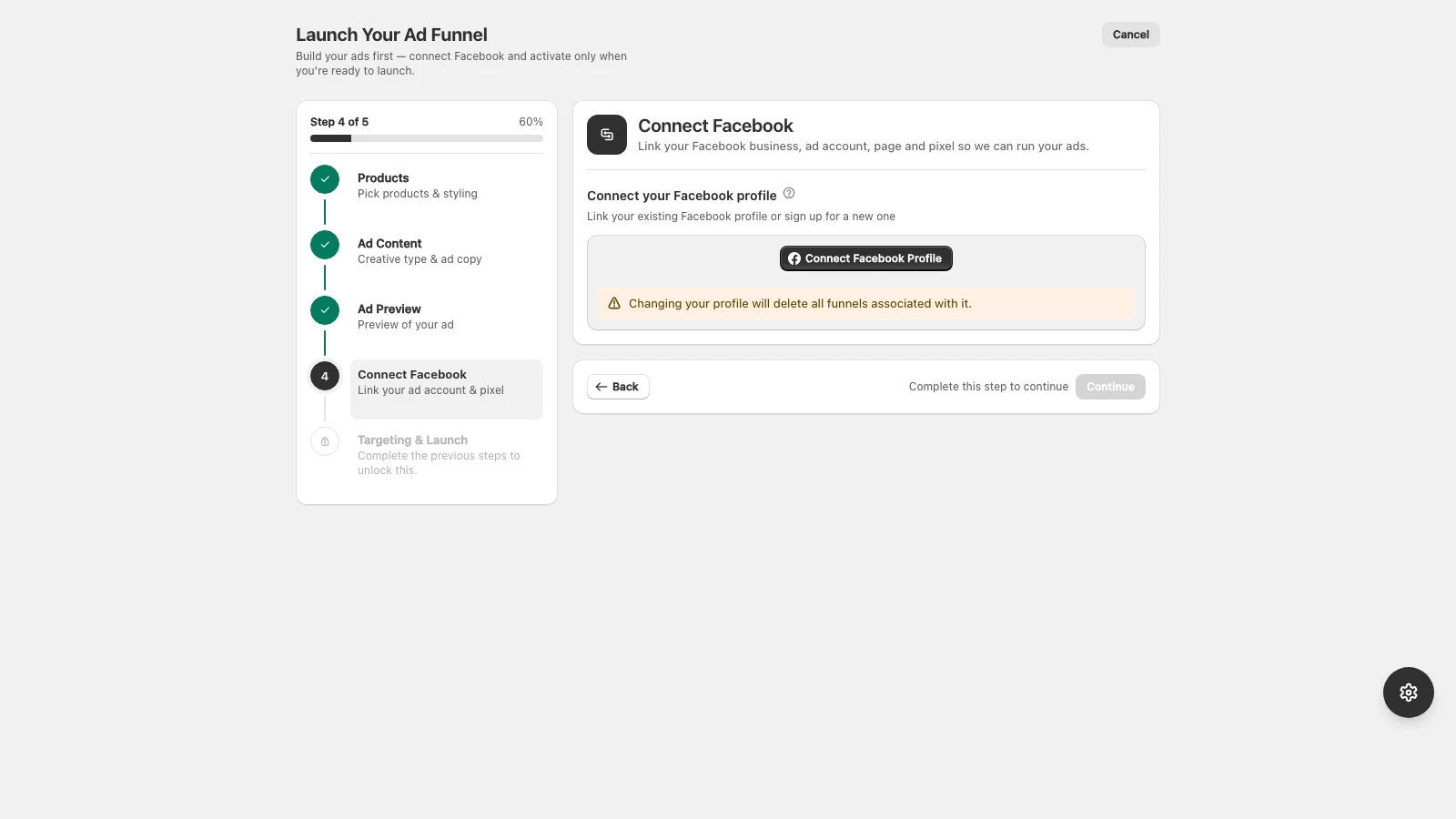
AdFlow needs to connect to your Meta account to create and manage campaigns on your behalf.
- 1In AdFlow, click Connect Meta.
- 2Log in with the Facebook account that manages your business.
- 3Grant AdFlow access to your Business Manager, ad account, Pages, and pixel.
- 4Select the Facebook Page, Instagram profile, ad account, and pixel to use.
Use the personal Facebook profile that has admin access to your Business Manager. AdFlow never posts to your personal timeline.
If a Page, profile, or pixel is missing from the list, see Fix ad-account permission errors.
Didn’t find what you needed?
Email support