Set up Meta Business Manager
Updated July 2026
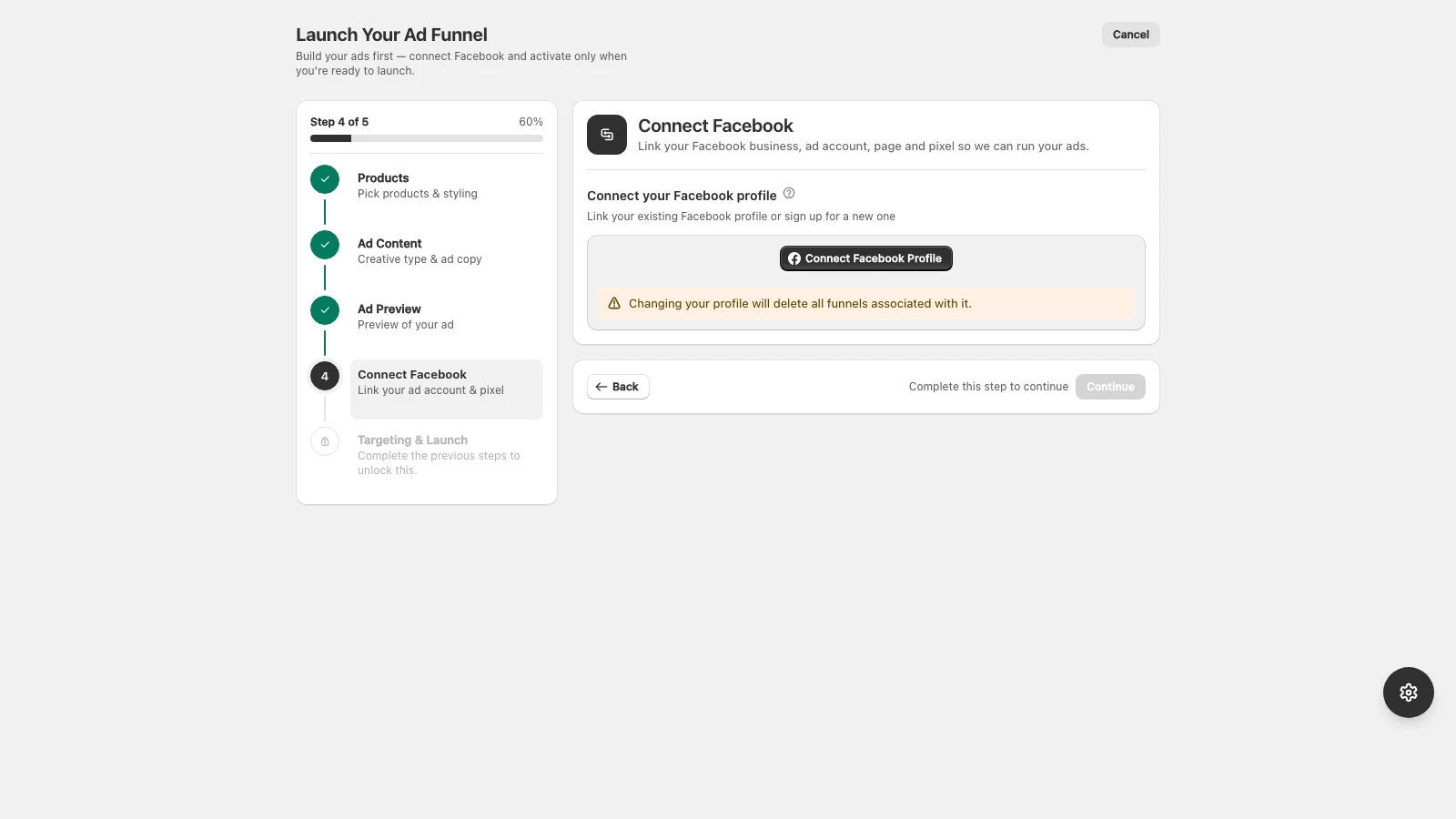
A Meta Business Manager holds your ad account, Pages, and pixel in one place. If you do not have one yet, create it first.
- 1Go to business.facebook.com and create a Business Manager for your store.
- 2Add your Facebook Page (or create one for your brand).
- 3Create an ad account inside Business Settings, and add a payment method.
- 4Make sure your personal profile has admin access to the business.
Meta requires a valid payment method on the ad account before ads can run. AdFlow does not charge your ad spend, Meta bills you directly.
Didn’t find what you needed?
Email support