Fix ad-account permission errors
Updated July 2026
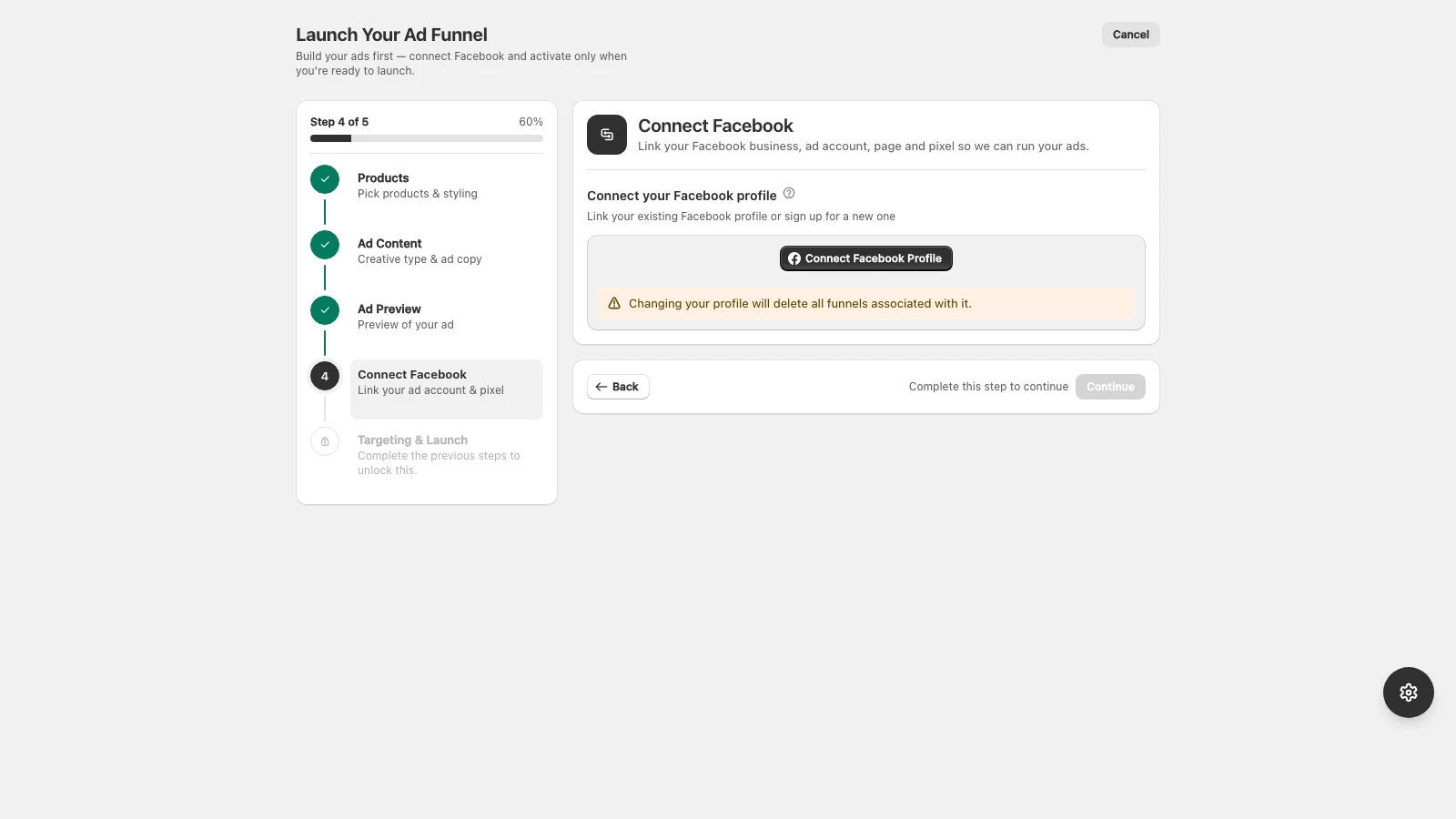
Permission errors almost always mean your Facebook profile is missing a role on the Business Manager, ad account, Page, or pixel.
Checklist
- Confirm your profile is an admin of the Business Manager.
- Confirm you have full control of the ad account, Page, and pixel in Business Settings.
- Re-grant every permission when the AdFlow login window asks, do not skip any.
- If your account is new, complete any Meta security or identity checks.
After fixing roles in Business Settings, disconnect and reconnect Meta in AdFlow so it picks up the new permissions.
Didn’t find what you needed?
Email support