Install AdFlow on your Shopify store
Updated July 2026
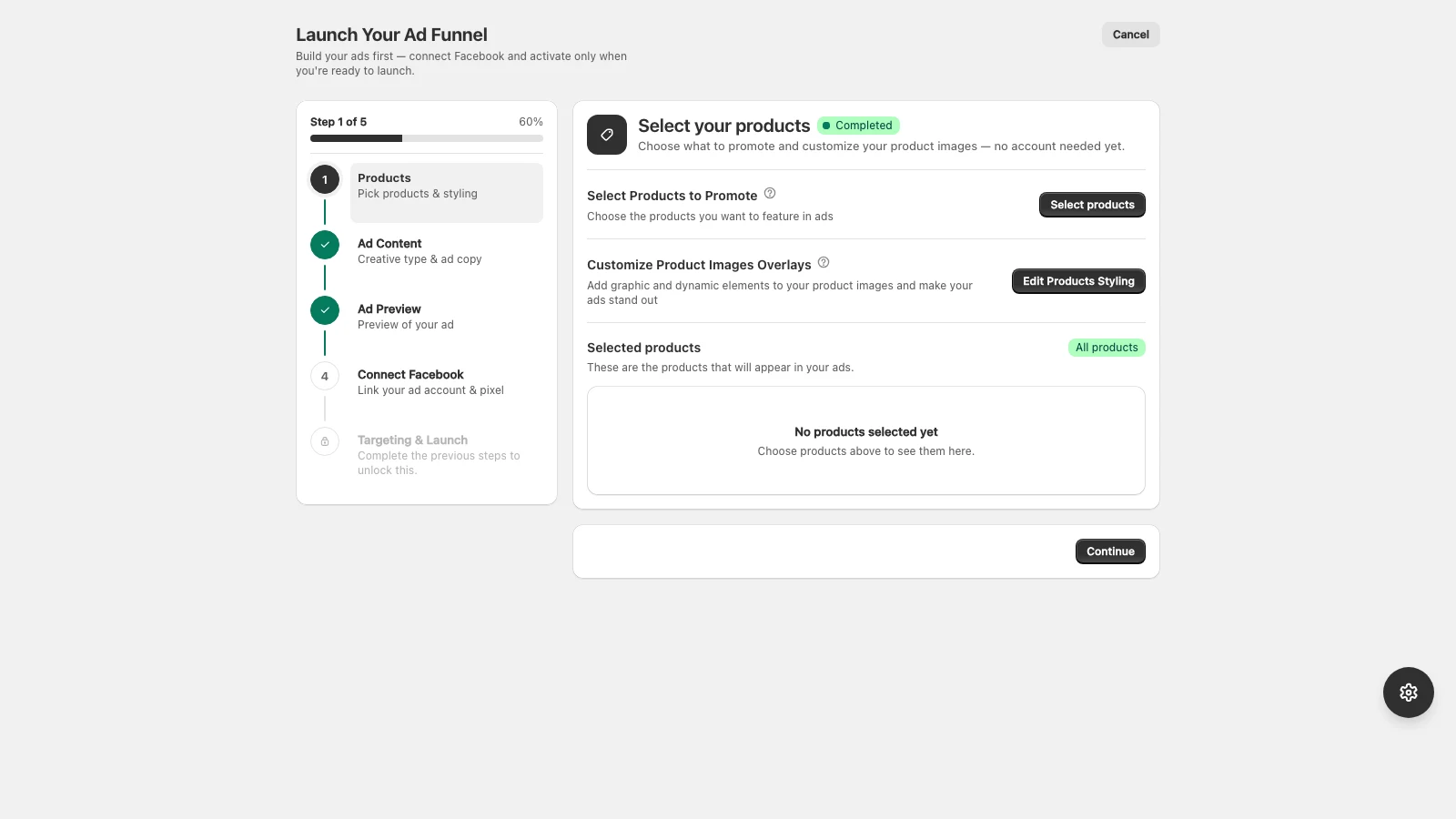
AdFlow installs like any other Shopify app, in about a minute.
- 1Open the AdFlow listing on the Shopify App Store.
- 2Click Add app, then Install, and approve the requested permissions.
- 3AdFlow opens inside your Shopify admin under Apps.
- 4Follow the setup wizard to connect Meta and pick your first products.
AdFlow only requests the Shopify permissions it needs to read your catalog and run your ads. You can review them on the install screen.
Once installed, head to Connect your Meta account to link Facebook and Instagram.
Didn’t find what you needed?
Email support