Change or cancel your plan
Updated July 2026
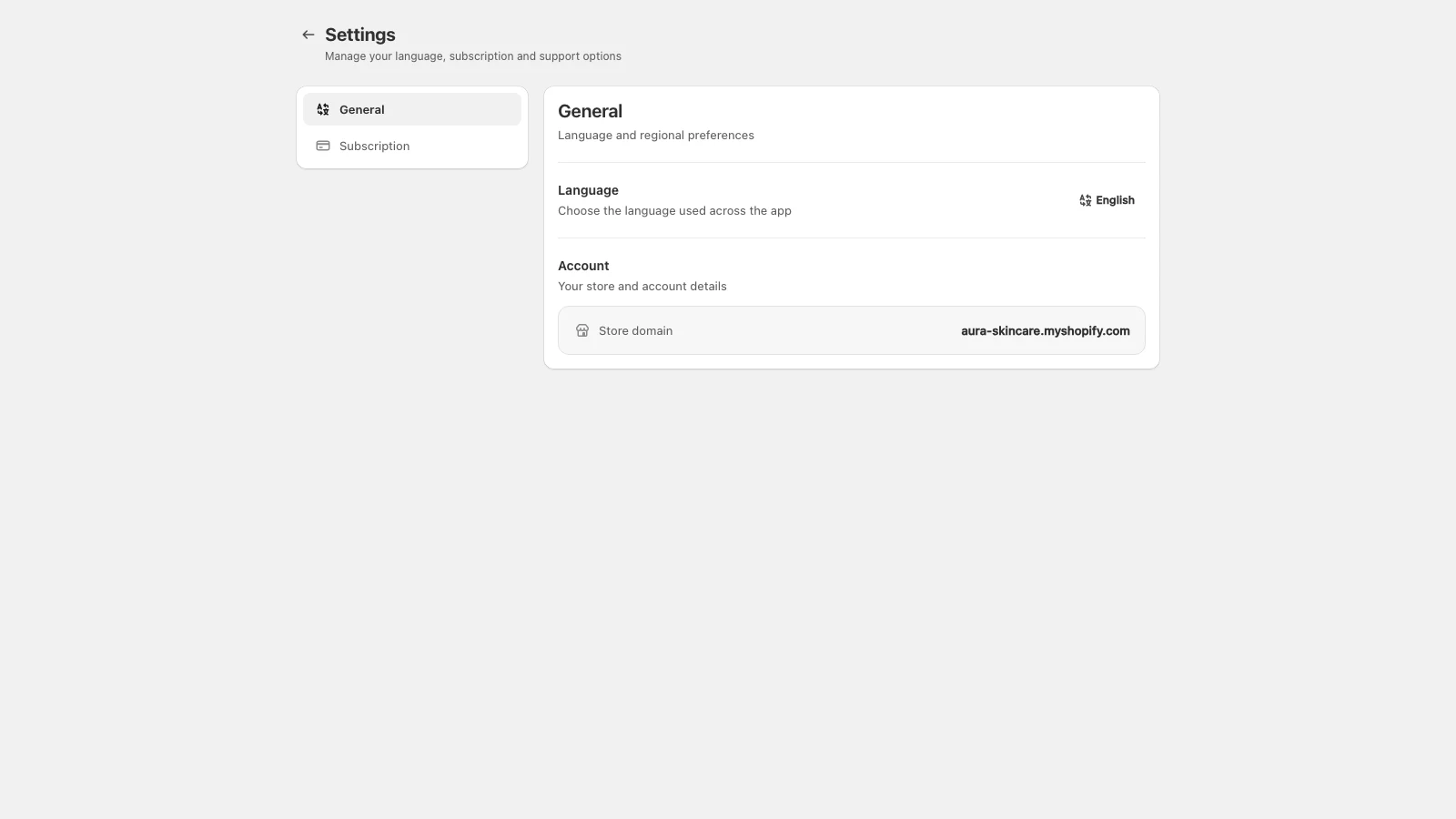
- 1Open AdFlow in your Shopify admin and go to the Plan or Billing screen.
- 2Choose a new plan to upgrade or downgrade. Changes apply through Shopify billing.
- 3To cancel, downgrade to Free or uninstall the app from Apps in your admin.
Cancelling stops future app charges. Uninstalling also stops new data collection. Any live campaigns should be paused first if you want ads to stop.
Didn’t find what you needed?
Email support